
Find your next workout
Browse the region calendar, check in, and revisit your attendance history.
 COMMUNITY / iPHONE APP
Show up. Stay connected.
Find the next workout, catch up on announcements, and check in with your region. A mobile companion for fitness, fellowship, and faith.
Free on iPhone. Requires iOS 15.1+ and an active F3 account from your region.
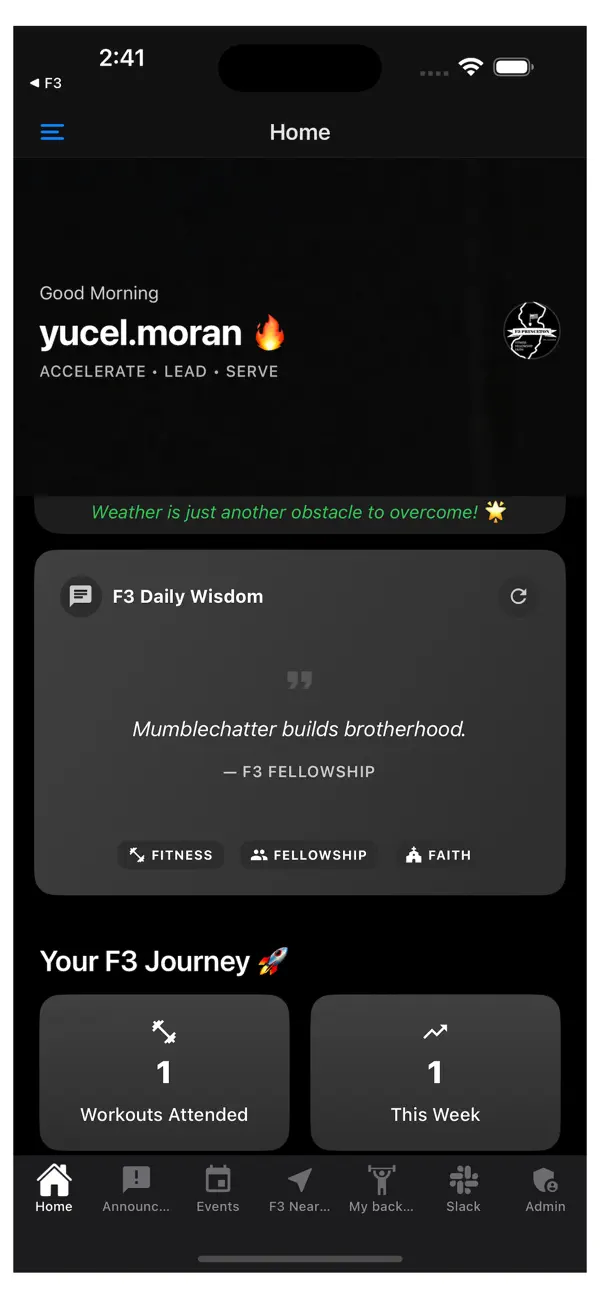
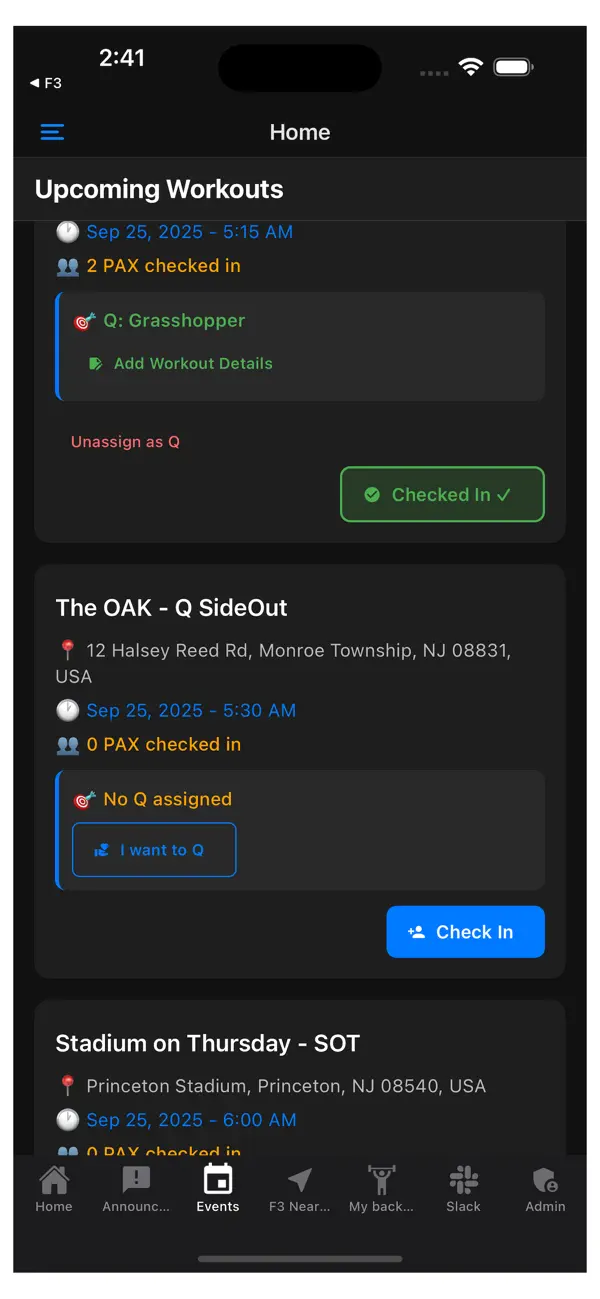
Schedules, locations, and conversations belong close together. The app gives members and region leaders a shared place to stay up to date.
Browse the region calendar, check in, and revisit your attendance history.
Read announcements and receive updates from your region.
Use the F3 Near Me map to explore locations before heading out.
Already part of F3? Sign in with your region's account. For account access, contact your region's tech or comms Q.
Get the iPhone appCheck the current requirements and install F3 Princeton on your iPhone.
Use your active F3 account to connect with your community.
Check the calendar and location details, then use the app to check in.
Find help with the app or read how your information is handled.